
Online check of restrictions on traveling abroad: the State Border Service of Ukraine explained the work of the new “Personal Account” service

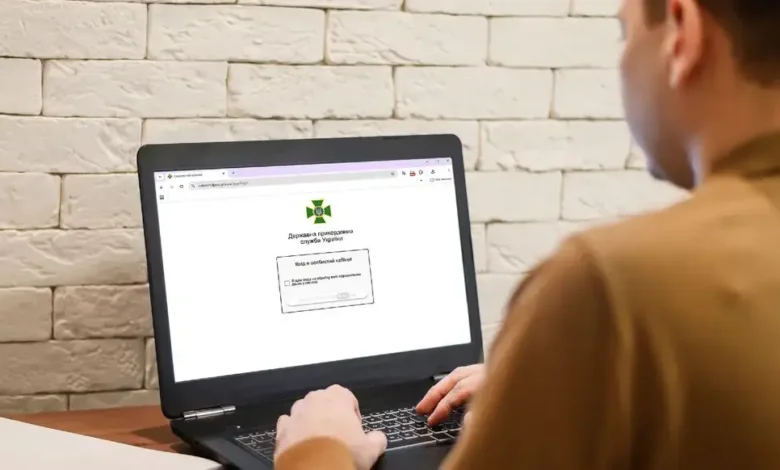
Checking restrictions on travel abroad remains important for Ukrainians who plan trips and want to avoid unpleasant situations at the checkpoint in advance. Due to debts, fines, or unenforced court decisions, a person may find out about the ban already during the control, so the emergence of the State Border Service of Ukraine electronic service is of practical importance for those who want to check their status before leaving.
Launch of the electronic “Personal Account”
The State Border Service of Ukraine has introduced an electronic tool that allows citizens to independently check whether there is a temporary restriction on crossing the state border for them. The agency explains that the service is designed to quickly obtain information without written requests, personal appeals to institutions, and long waiting for a response.
The State Border Service of Ukraine announced the launch of the electronic “Personal Account”, through which Ukrainians can obtain information about the presence or absence of individual bans on travel abroad. After authorization, the system automatically checks the data with the relevant registers and shows the user the result.
According to the explanation of the border service, the service works as a remote channel of access to departmental information, so a person can check their status from a computer or smartphone. This format should reduce the number of appeals to state authorities and make the procedure clearer for citizens planning a trip abroad.
The State Border Service of Ukraine emphasizes that the electronic account shows only those temporary restrictions that are established by the court or enforcement authorities. First of all, this applies to debt obligations due to which a person may be temporarily banned from leaving.
The system can display restrictions related to non-payment of alimony, unpaid fines, as well as other property or monetary debts recorded by executive bodies. The data is updated automatically, so the user sees the current status after passing identification.
Separately, the State Border Guard Service of Ukraine explains that the new electronic account does not show restrictions related to the martial law. Such issues are regulated by other legal norms and are checked according to separate procedures. That is, the result in the service concerns temporary bans defined by law, related to court decisions or enforcement proceedings. It does not replace checking the border crossing rules for categories of citizens subject to wartime restrictions.
How to get authorized
Border guards explain that to enter the electronic account, the user must confirm his identity through one of the protected identification methods. The State Border Guard Service has provided authorization through id.gov.ua, “Diya.Pidpis”, BankID or a qualified electronic signature.
After entering, the system sends a request to the databases and shows one of two results: “No restrictions” or “There is a temporary restriction.” This format allows you to quickly understand whether there is a ban related to enforcement proceedings or decisions of competent authorities.
The Border Guard Service states that during the operation of the service, mechanisms for information protection and secure data exchange between registers are used. User identification occurs through official digital tools that allow confirming the identity without transferring data to third parties.
The State Border Guard Service also notes that information processing is carried out in accordance with the legislation on personal data protection. This means that only a user who has verified his identity through one of the methods provided by the service has access to the result.


